Flag Maker Studio
A downloadable tool for Windows
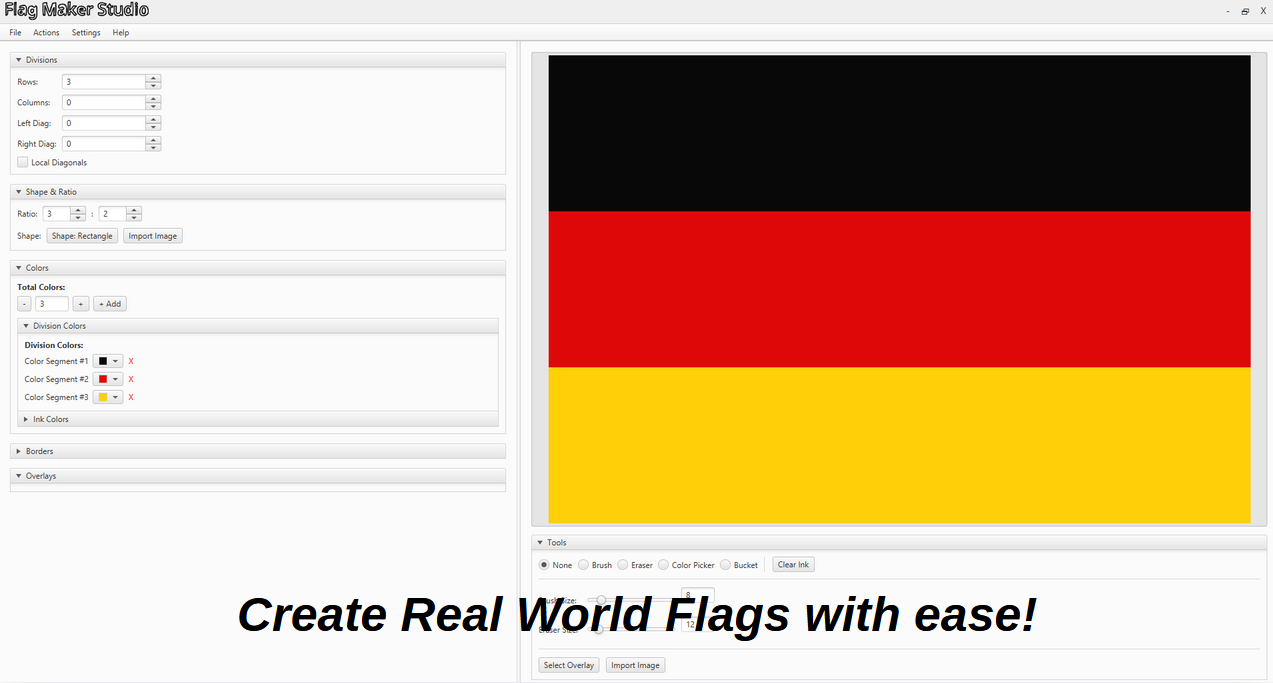
This is an advanced tool that allows people to design complex custom flags with very advanced customization, rather than templates.
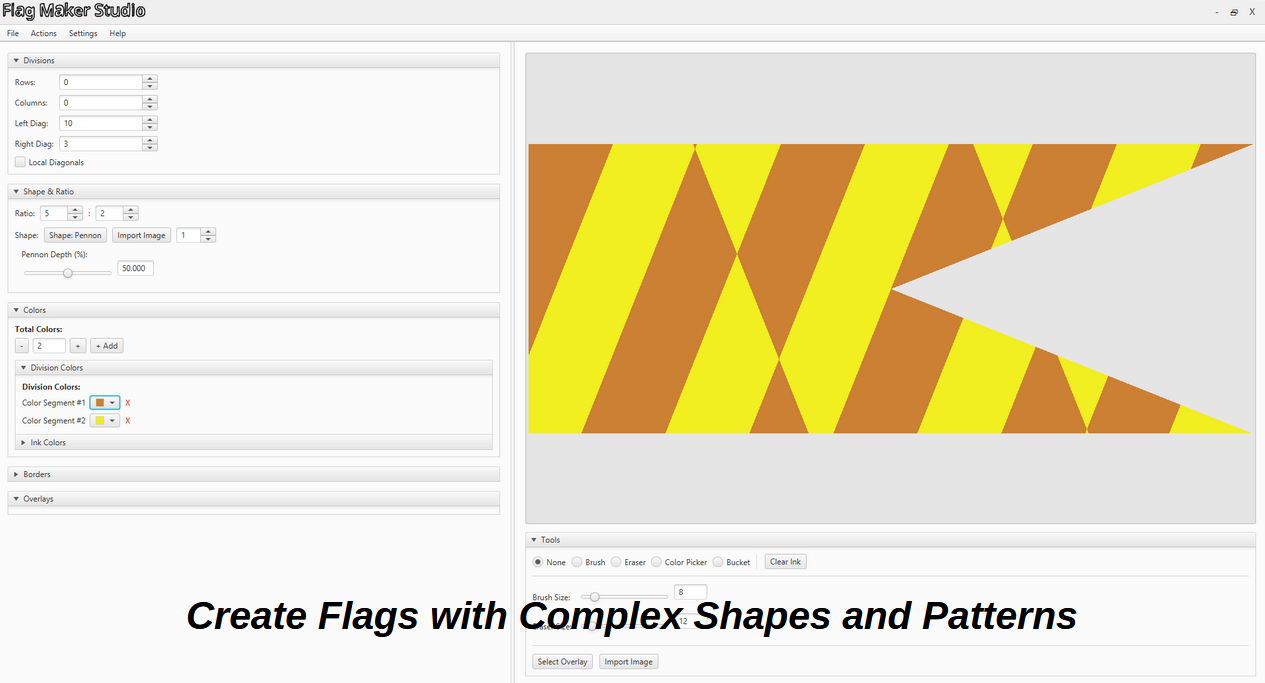
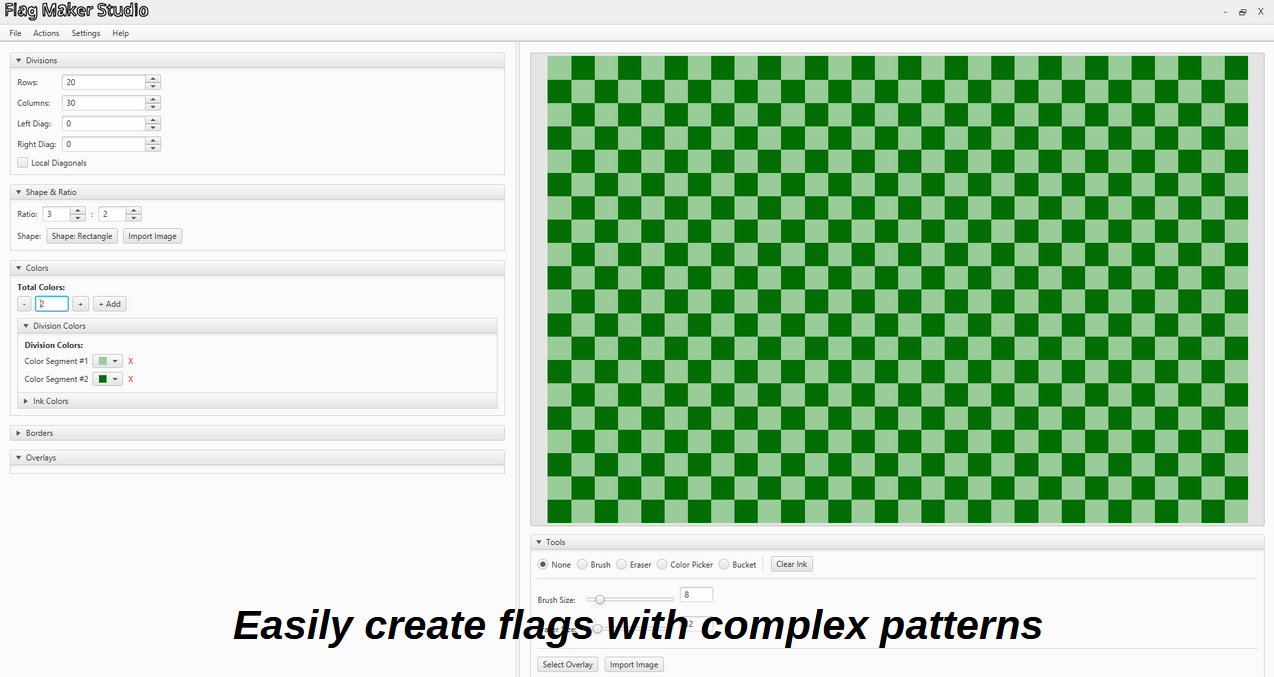
Instead of picking from predefined layouts, you divide the canvas into precise rows, columns, and diagonal lines to generate thousands of unique geometric patterns.
You can export flags as PNG or JPG, print the flags, and save your projects.
The tool is 100% offline, and it's completely free.
The Help pdf is only meant to explain the main complex features in the program, it doesn't cover all features.
Here's a very general overview over all the features in the studio:
- Split the canvas into custom grids, columns, and lines.
- Randomize layouts with one click (Randomize button in Actions) if you just want a quick starting point.
- Swap between rectangles and pointed pennons, or set a custom aspect ratio.
- Draw directly onto the canvas with a freehand brush and eraser.
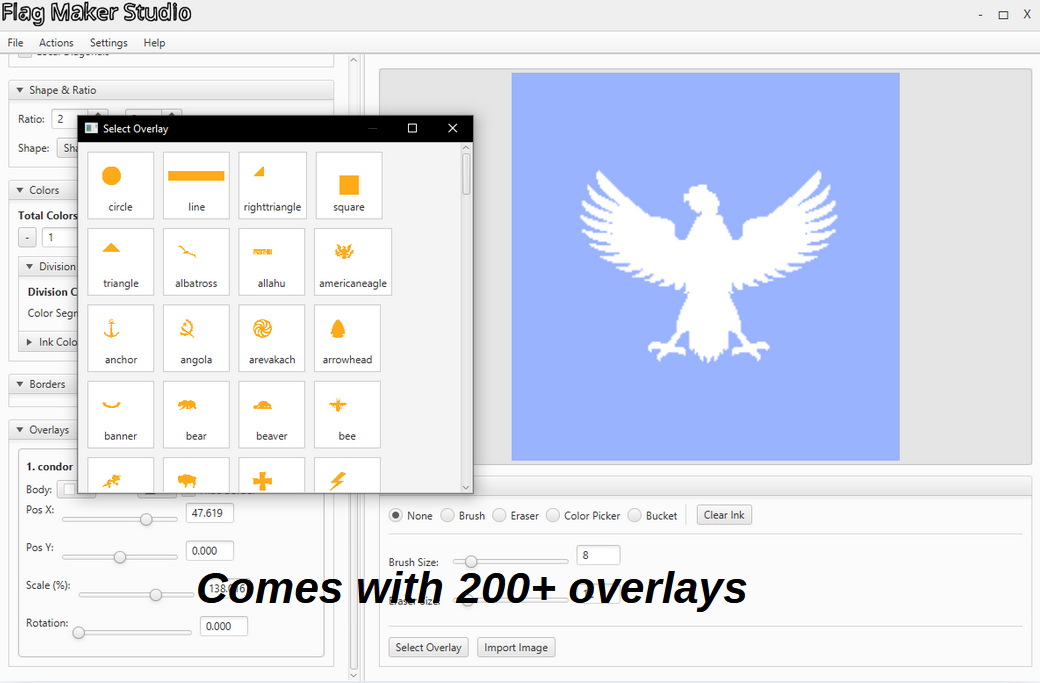
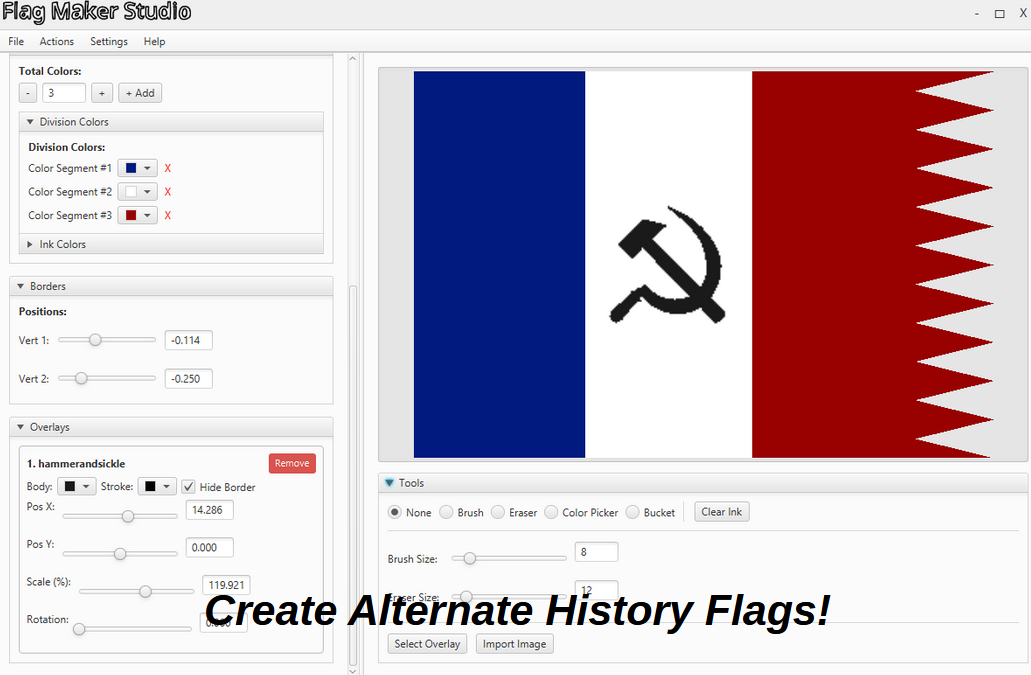
- Add emblems and graphics with full control over their rotation, size, and colors.
- Load your own image to use as a silhouette or base framework.
- Lock sliders to specific steps for perfect alignment, or leave them smooth.
- Toggle between light and dark themes depending on your workspace.
- Fix mistakes quickly with undo buttons and save projects locally to finish later.
- Export your flags to high res PNG or JPG files, or print them directly.
Download
Click download now to get access to the following files:
Leave a comment
Log in with itch.io to leave a comment.